Stealth Inc 2
2014 © Curve Digital
Microsoft Windows, Steam, GeForce Now, Xbox One, PlayStation Vita, Wii U, PlayStation 3, PlayStation 4
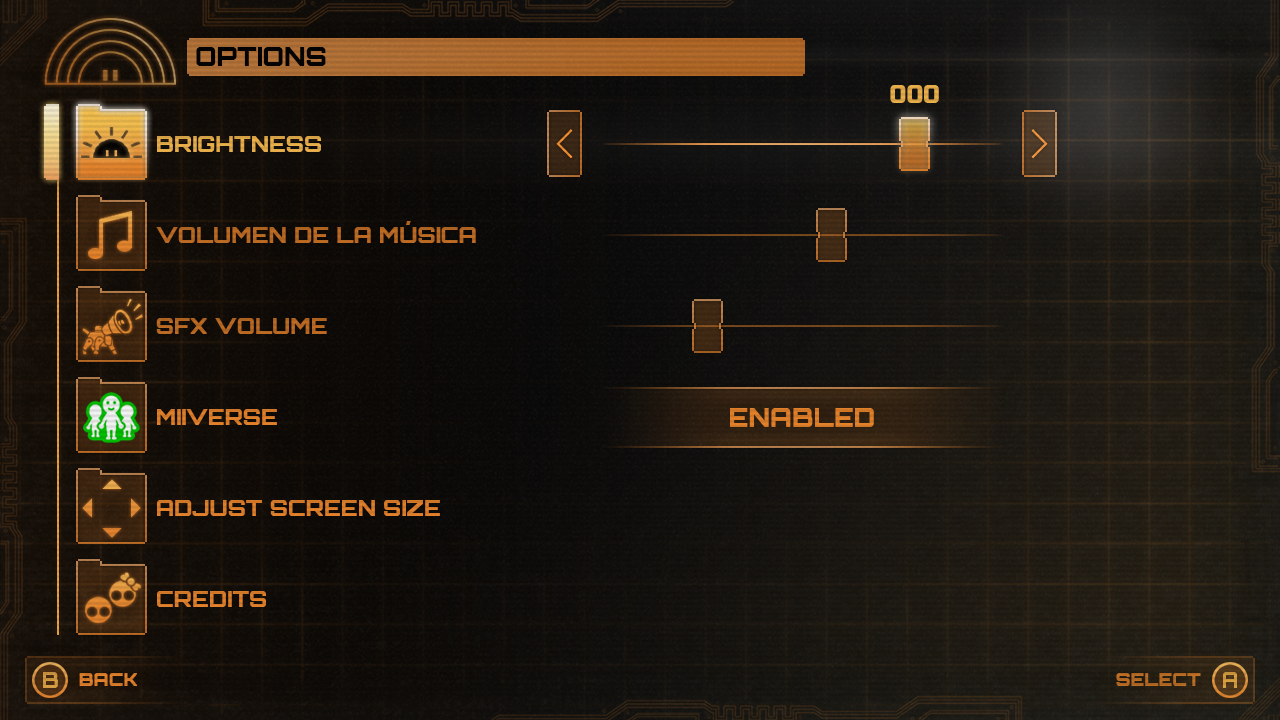
I was the sole UX and UI Designer on Stealth Inc 2: A Game of Clones, a 2D puzzle platformer that launched on Wii U before releasing on other consoles and PC. The Wii U version required bespoke UI for the second screen, supporting features such as co op play, while ensuring all information was still accessible on single screen platforms using mouse, keyboard, or controller. The game also needed to be fully playable on the Wii U GamePad alone at a smaller resolution with touch input.
I defined feature requirements and the core game loop, created comprehensive flow diagrams, explored wireframe layouts, and developed the UI style in parallel. As a sequel to Stealth Bastard, the game had an established visual identity built around minimal, utilitarian pixel fonts and scanline elements inspired by surveillance systems. I evolved this style for the sequel, maintaining its retro surveillance tone while introducing a more refined and distinctive look tied to the expanded narrative.
The UI was themed as an in world corporate surveillance system for the antagonist organisation, PTI, reinforcing the narrative and perspective of the villain. In addition to UI design and art, I also created narrative cutscene artwork, the game logo, and wider branding used across platforms and marketing materials.
Main Menu
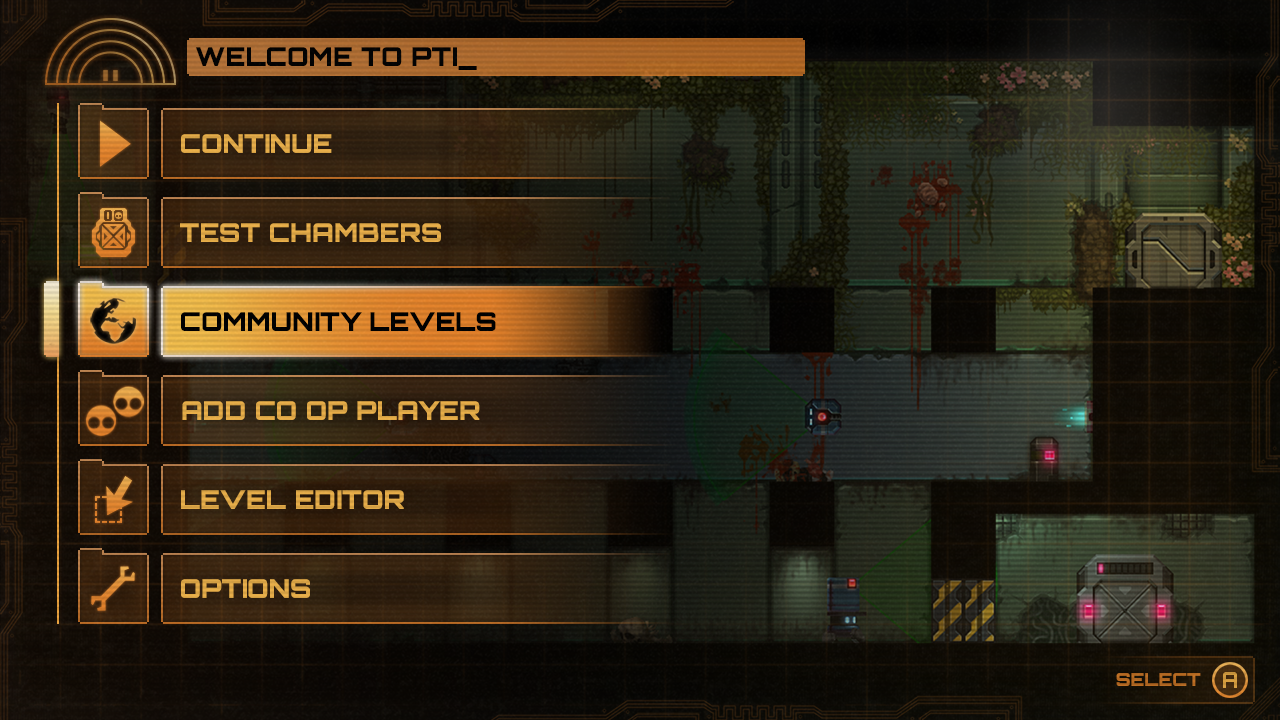
The main menu, as with the rest of the UI, as described above took inspiration from Stealth Bastard in both layout and theming, using scanlines to emulate a surveillance camera but with an elevated solid colour pixel style with other elements to convey a retro CRT ‘green screen' style corporate company intranet system.
Chamber Select
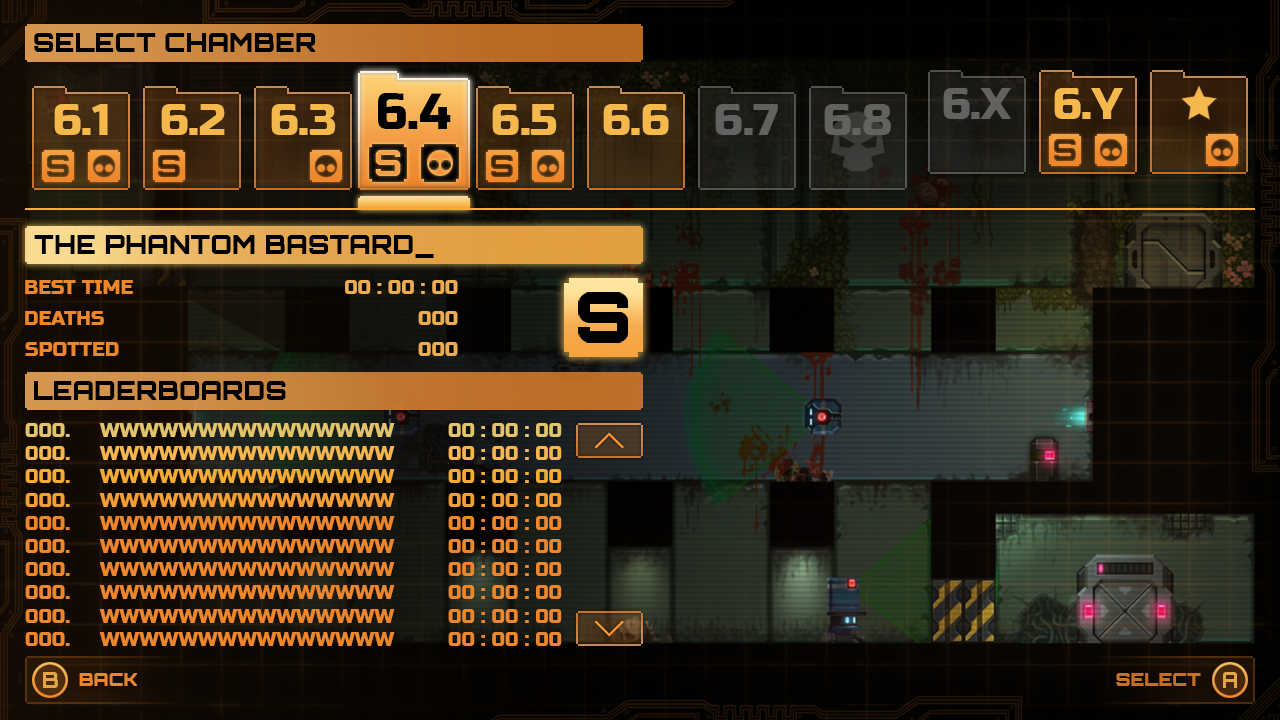
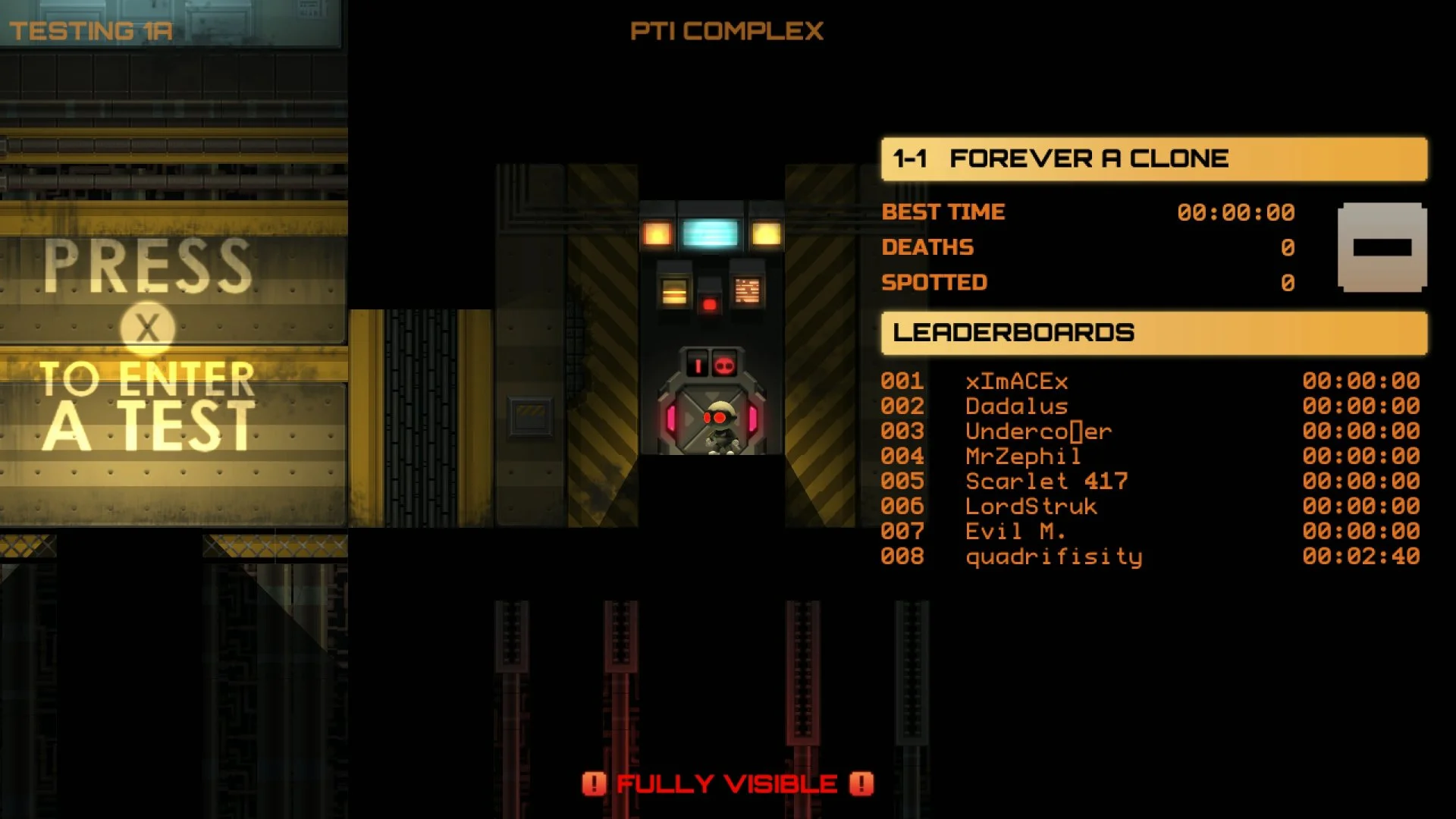
The chamber (level) select menu again emulates an intranet theming such as filing visual language. The main goal with the menu’s layout was to balance both information about the player's progress vs global scoring whilst also displaying a sneak peek of the level as a means to identify each level without giving away too much other information.
Chapter Select
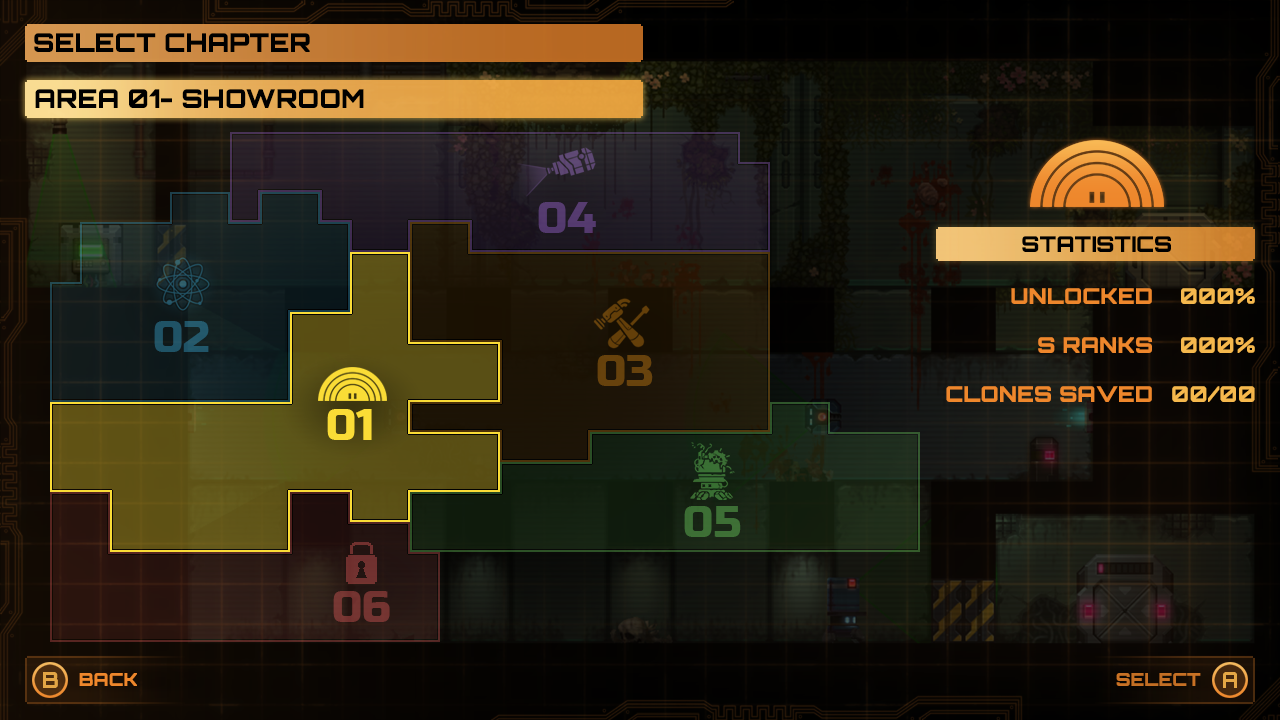
For the chapter select screen I wanted to convey the theming of a ‘you are here' location map you may find for an office floorplan with some whimsical iconography additions for each distinct area of the game.
Level Editor
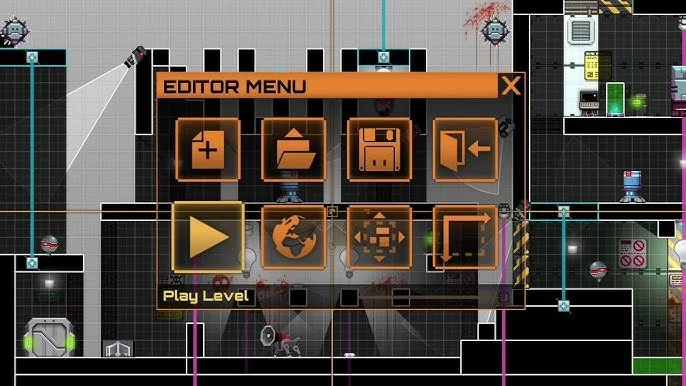
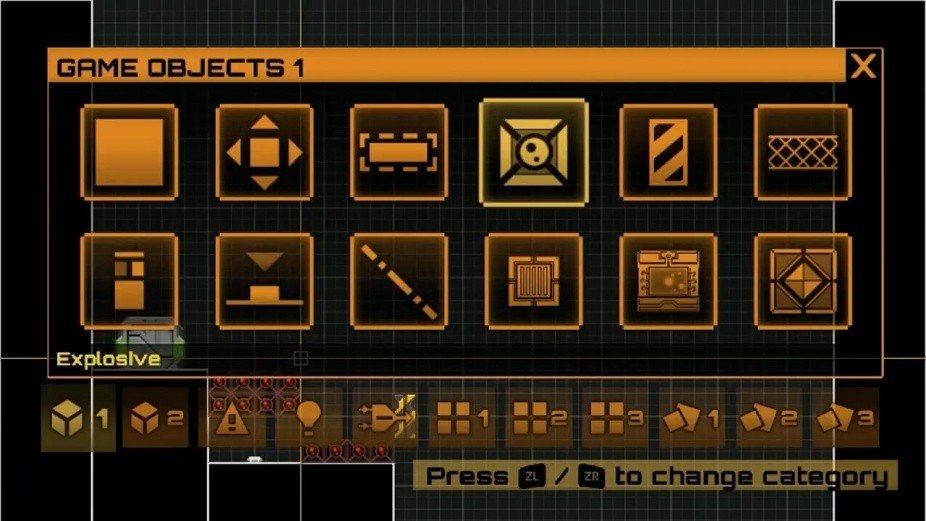
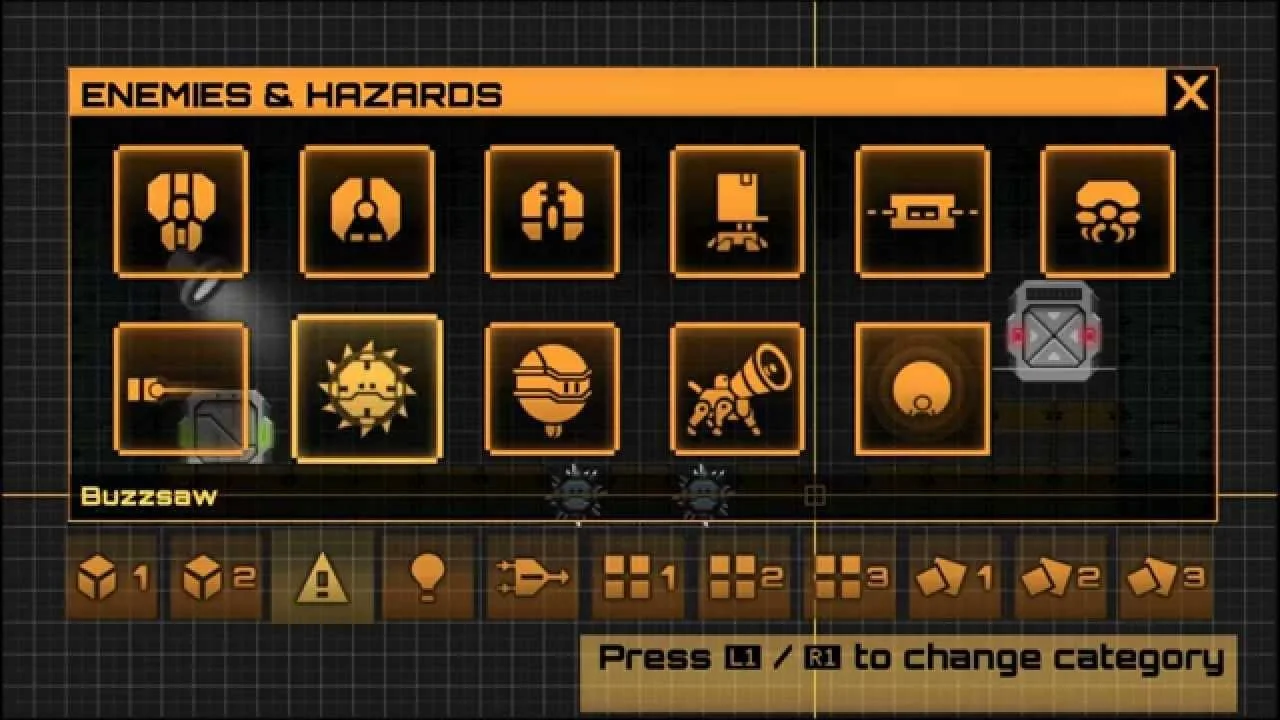
Stealth Inc 2 included a level editor feature that allowed players to create their own levels to upload to the community levels feature. This feature essentially required a bespoke software editor UI for use with touch screen as well as keyboard and mouse and controller.
Community Levels
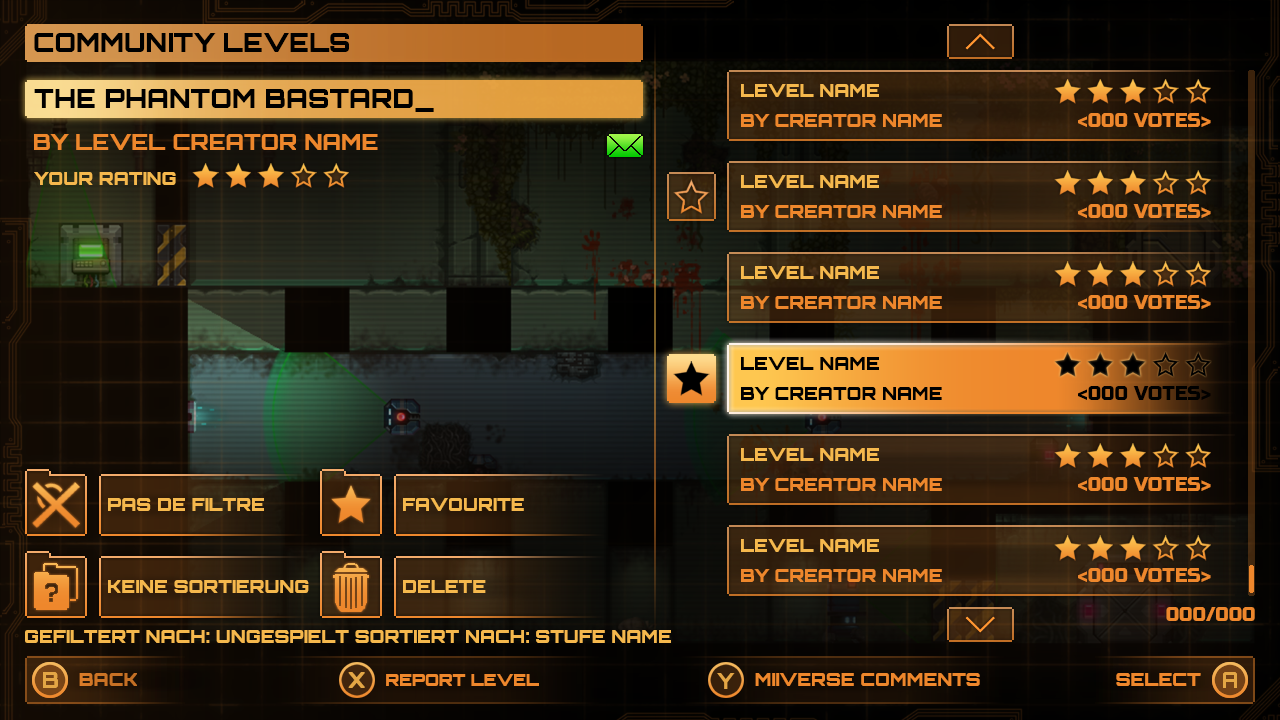
Levels created with the level editor could be uploaded to the community levels feature that could be played and rated by other players. As with the chamber select screen, the layout leaves space for a preview of the level then displays only the most critical information for each level as well as some controls for the player to filter, favourite and hide levels locally only.
Level Rating
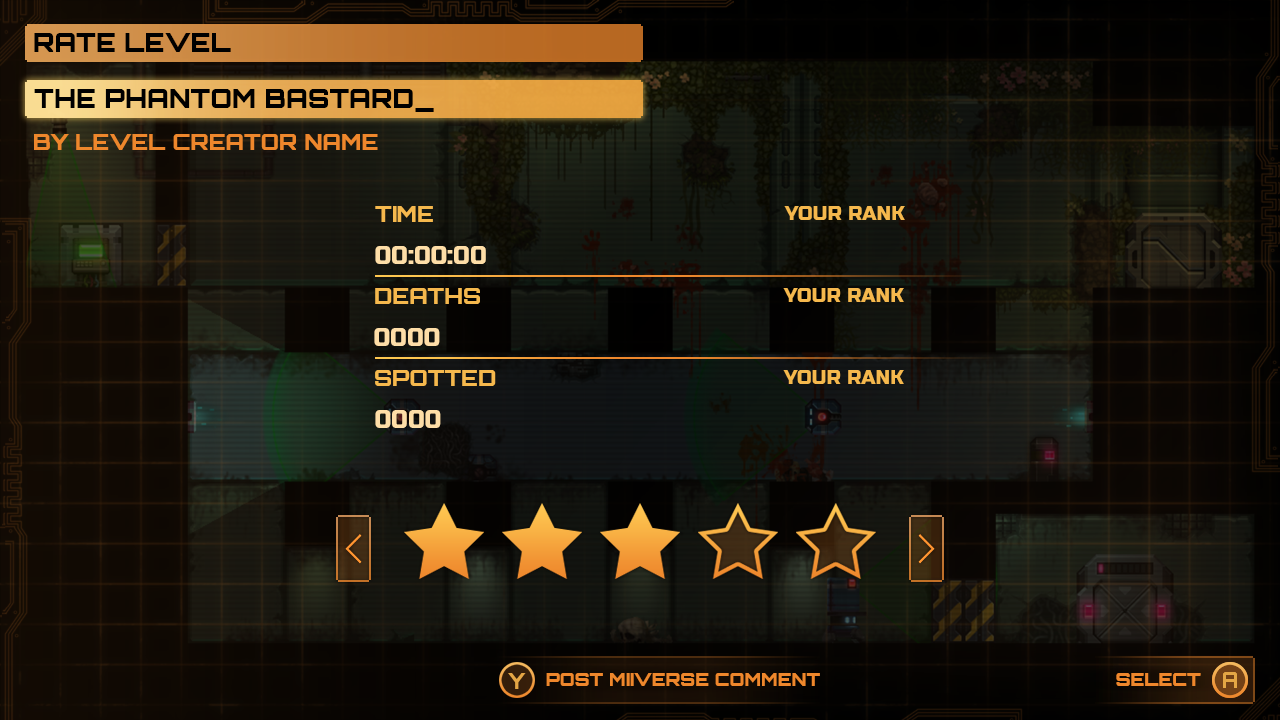
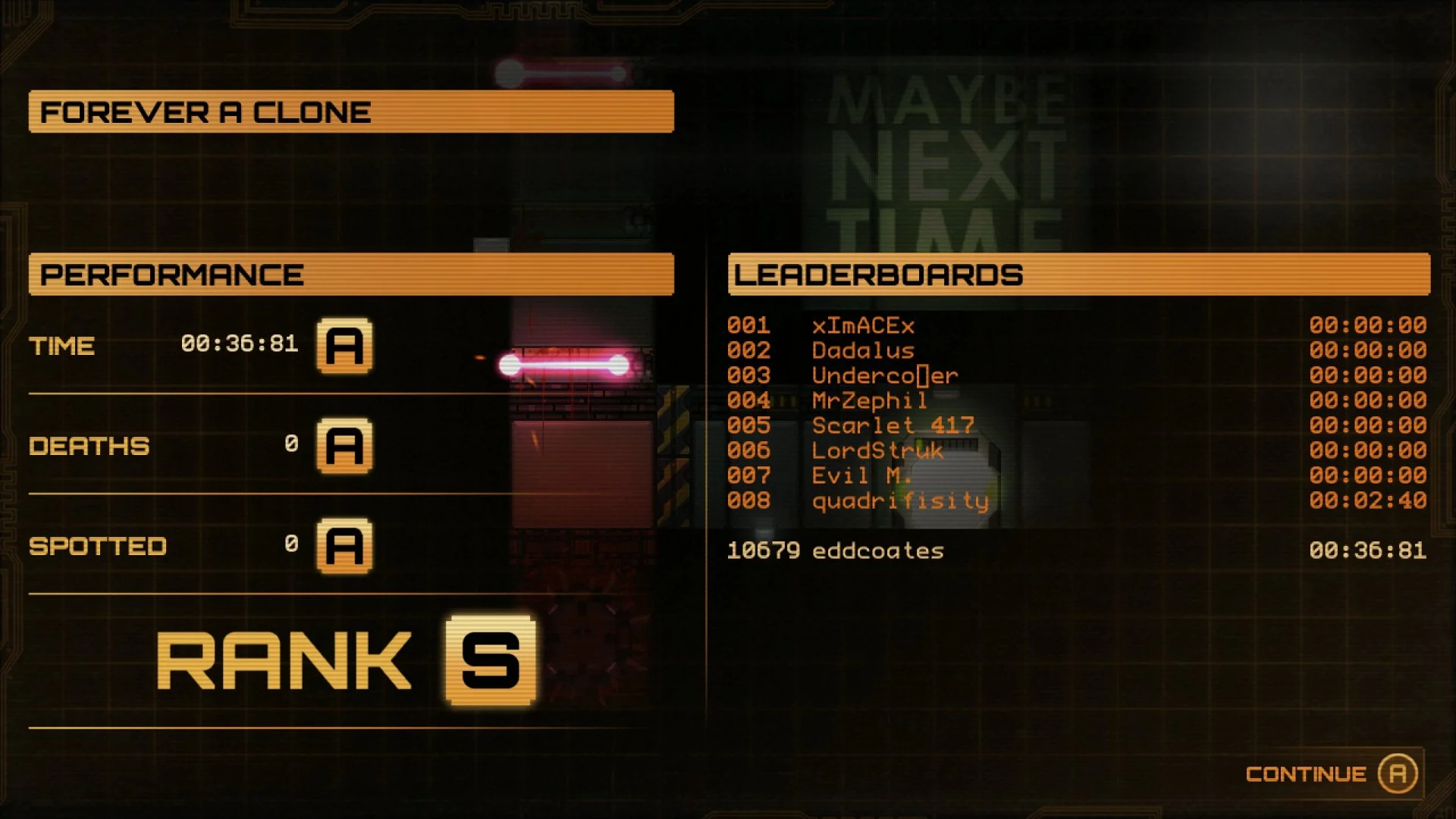
On completion of a community level, players could view their playthrough stats as well as rate the level which added to a global rating value shown in the community level select screen.
Save Game
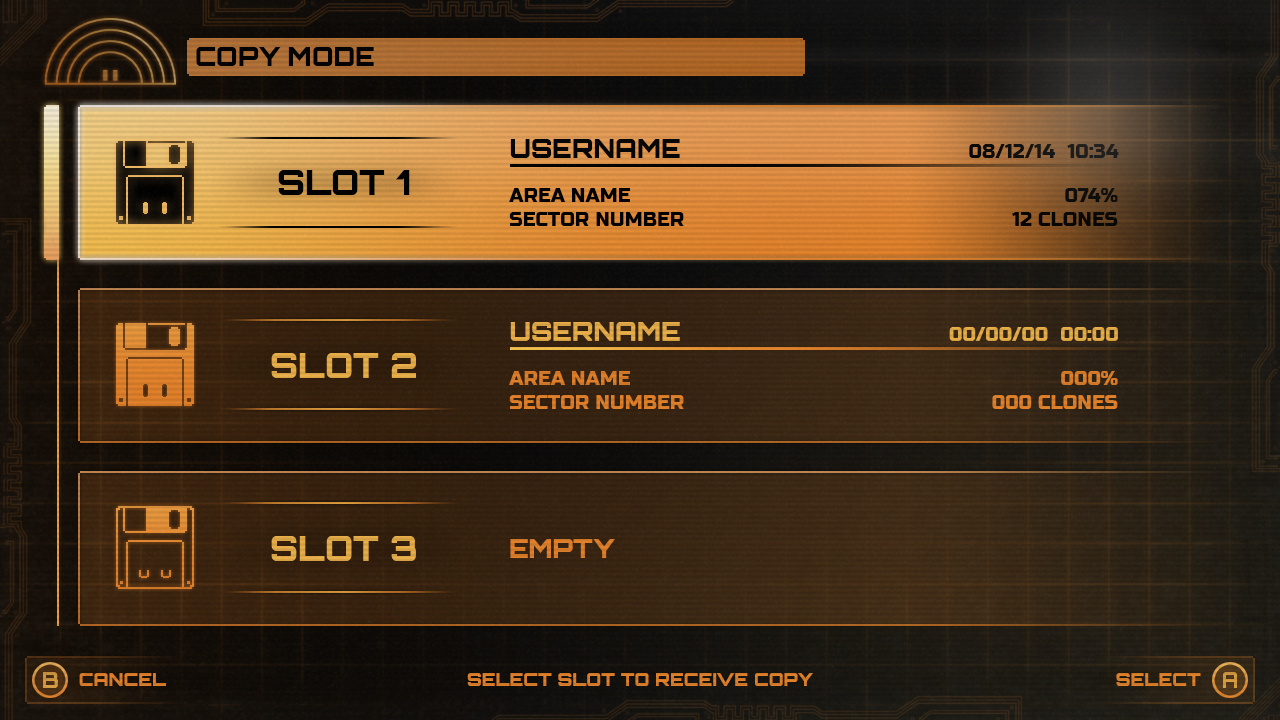
For the save game screen I emulated a retro save slot system again with a nod to a more retro tech vibe with floppy disks for the save motif. A theme in Stealth Inc 2 is that a lot of inanimate objects are anthropomorphised with little robot faces so I continued the theming here with the floppy disks with the detailing of empty slots being asleep.
HUD
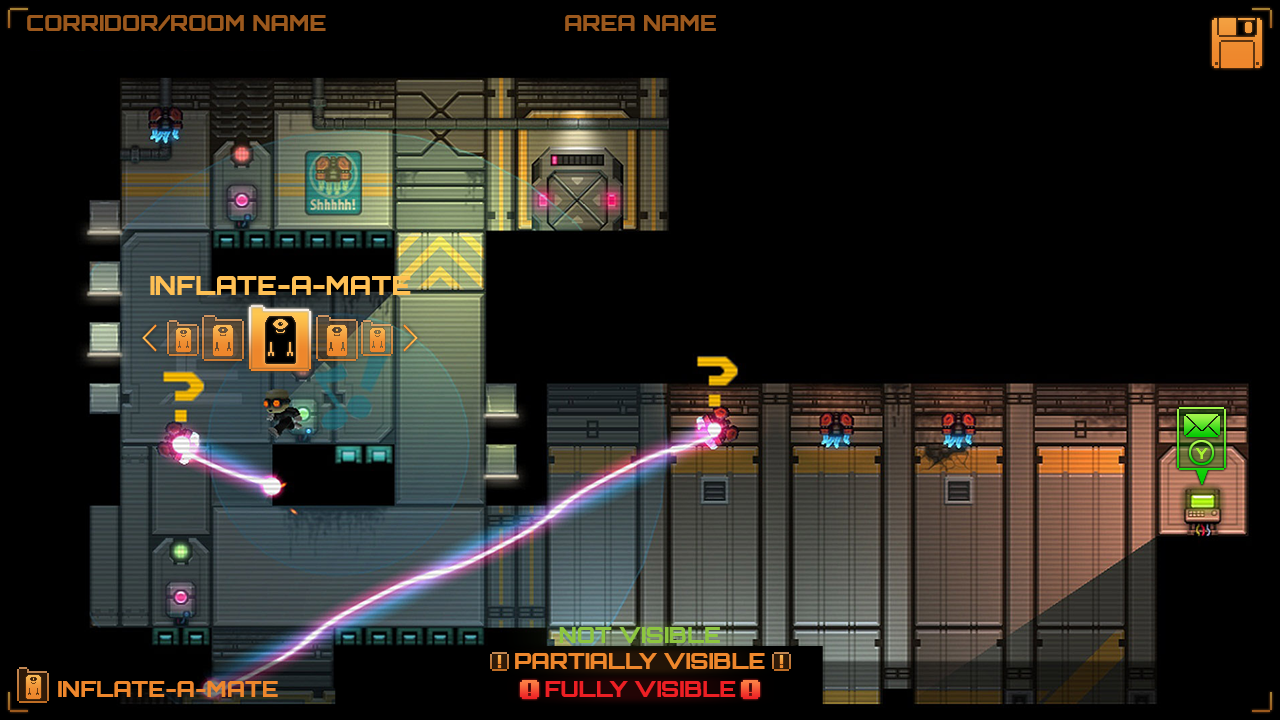
The in-game HUD references Stealth Bastard's surveillance camera theming with an elevated art style and additional components to support new gameplay features such as the ability tool carousel above the player's head and Wii U specific features colour coded in green.
In-World Level Select
Co Op Mode
Stealth Inc 2 included a co op mode exclusive feature for the Wii U, utilising the Wii U gamepad as a touch screen element allowing a second player to assist with solving puzzles with drawing tools, ping features as well as additional tools to assist with solving level puzzles as some elements were hidden or different in co op mode that required both players in order to progress. For this feature I prioritised the touch screen input and ensured the input and interactions felt tactile as though they are directly interacting with the world.
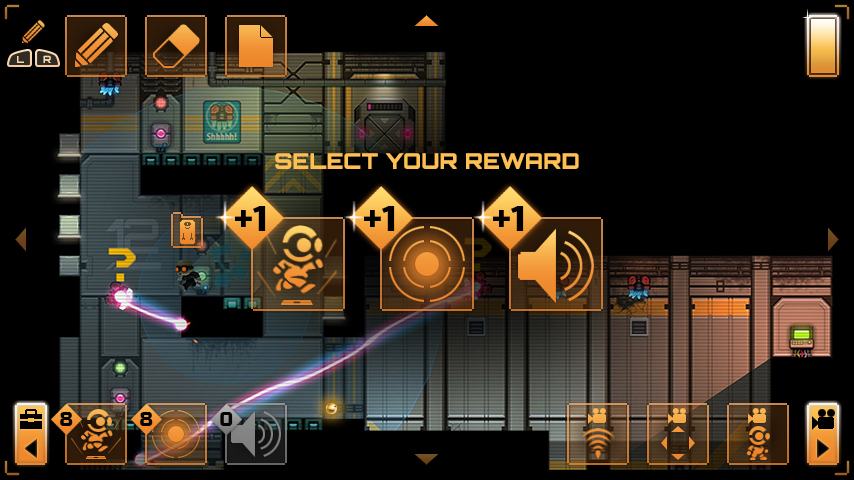
Second Screen
During singleplayer gameplay, as the Wii U had a secondary accompanying screen in the gamepad, I created a second set of UI menus that could be displayed and interacted with independently of the primary screen by using touch screen input.
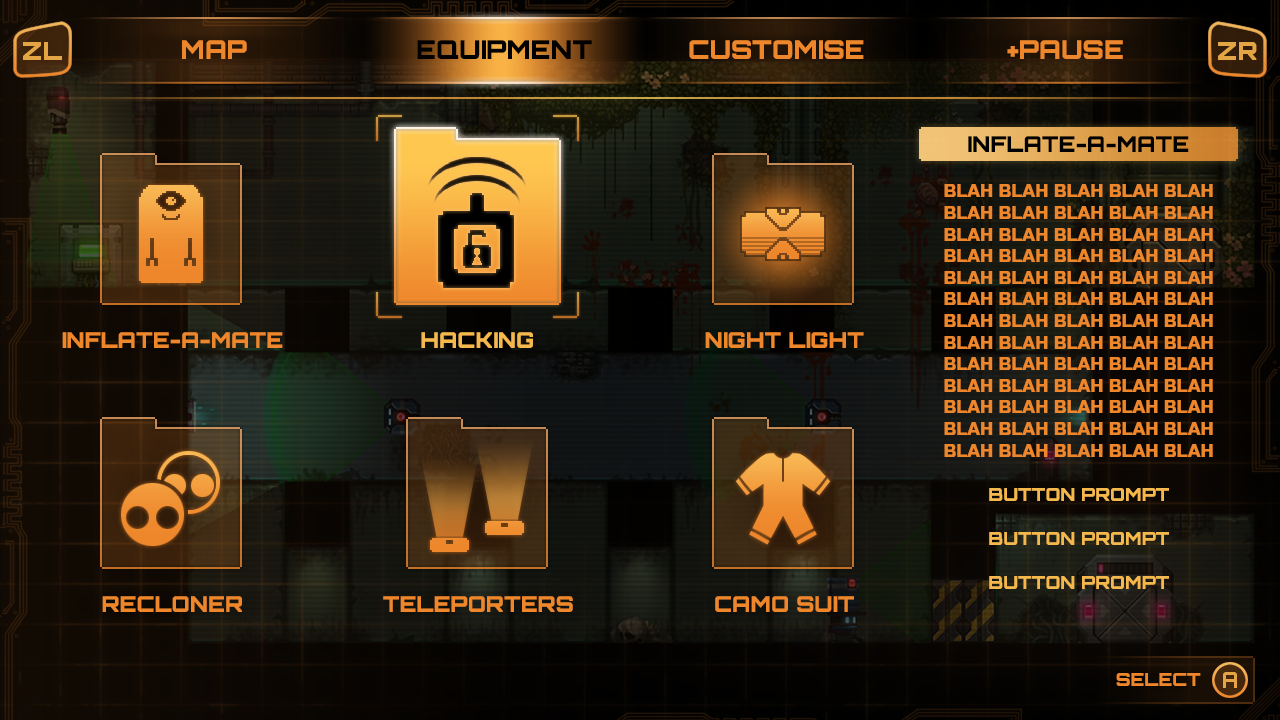
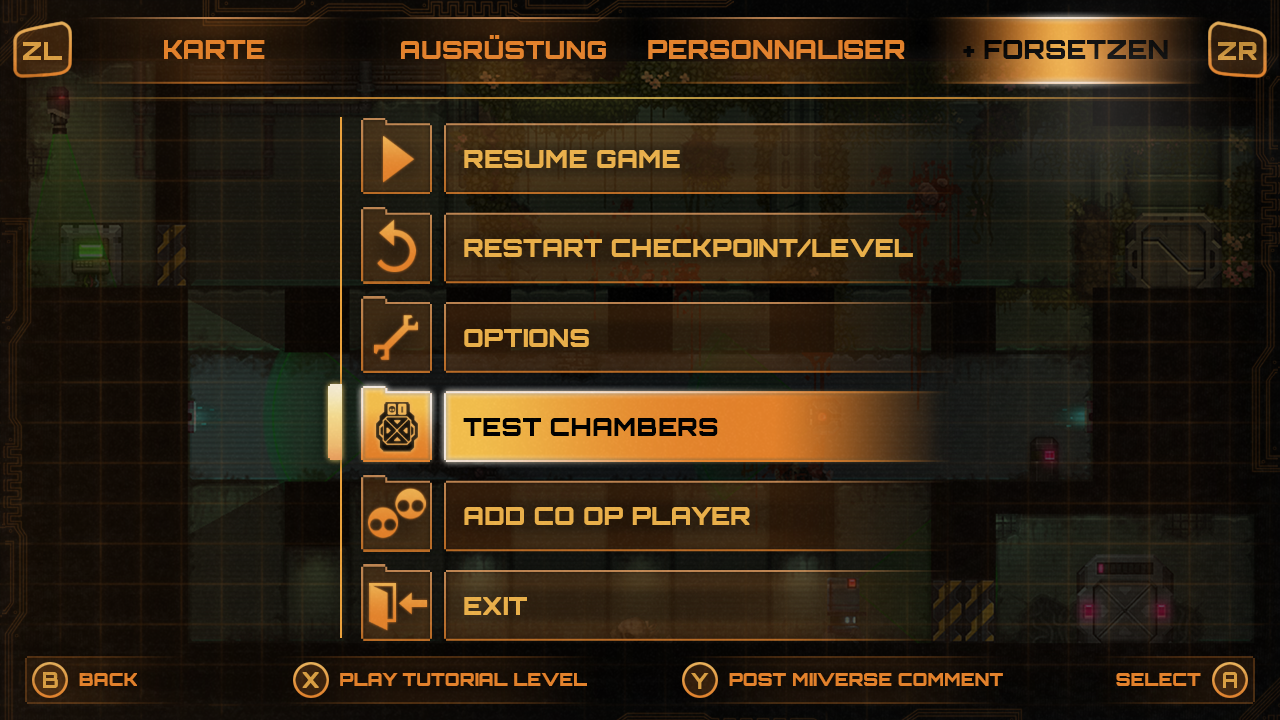
Pause Menu
Results Screen
Settings